
Quick start
a devnet payment on your computer.
The shortest way from the ZIP to a paid demo invoice on Solana devnet, with the operator console open next to it. It assumes Node.js and pnpm are installed; if not, do Requirements first.
01Before you start
node -vprints 20.6 or newer (22 recommended).pnpm -vprints 10.x. If pnpm is missing, runcorepack enable.- You have a Solana wallet on devnet (Phantom or Solflare, switched to Devnet). Its public address will receive the demo fee.
- A second devnet address that receives the demo payments (a second account in the same wallet is fine).
Everything on this page uses Solana devnet and test tokens. No real money moves. https://api.devnet.solana.com is Solana's public, keyless devnet endpoint: rate-limited, fine for a trial.
02The fifteen minutes
- Install packagesFrom the project folder:
pnpm install - Write the server settingsThe setup script writes
apps/server/.env(mode 0600) and prints the generated operator key once. Keep it.pnpm run setup -- --target local --demo --port 8787 \ --solana-rpc https://api.devnet.solana.com \ --operator-solana <YOUR devnet wallet address> \ --web-origin http://127.0.0.1:4173 --yes - Build everythingThis also compiles the Solidity router; Hardhat downloads the
solccompiler on first use.pnpm run build - Start the serverLeave this terminal open.
pnpm start # API on http://127.0.0.1:8787 - Build and serve the checkoutIn a second terminal:
VITE_API_URL=http://127.0.0.1:8787 pnpm run build:web -- --out web-local npx serve -s web-local/checkout -l tcp://127.0.0.1:4173 - Create the demo merchantIn a third terminal.
--credit 50adds demo fee credit so the checkout also offers exchange pay. The script reads the operator key fromapps/server/.env.pnpm run demo:reset seed --merchant-solana <a devnet address that receives demo payments> --credit 50 - PayOpen
http://127.0.0.1:4173/demo, add items, press pay and approve in your devnet wallet. You need devnet SOL (faucet.solana.com) and devnet USDC (faucet.circle.com, choose Solana Devnet).
pnpm run setup and not pnpm setup?pnpm setup and pnpm licenses are pnpm's own built-in commands. Always type run for this project's setup and licenses scripts.
03What you should see
curl -s http://127.0.0.1:8787/healthanswers{"ok":true,"chains":[...]}withsolana-devnetin the list.- The first server log lines list what is disabled and why (for example Base without an RPC, and sanctions screening without a list). That is expected on a trial.
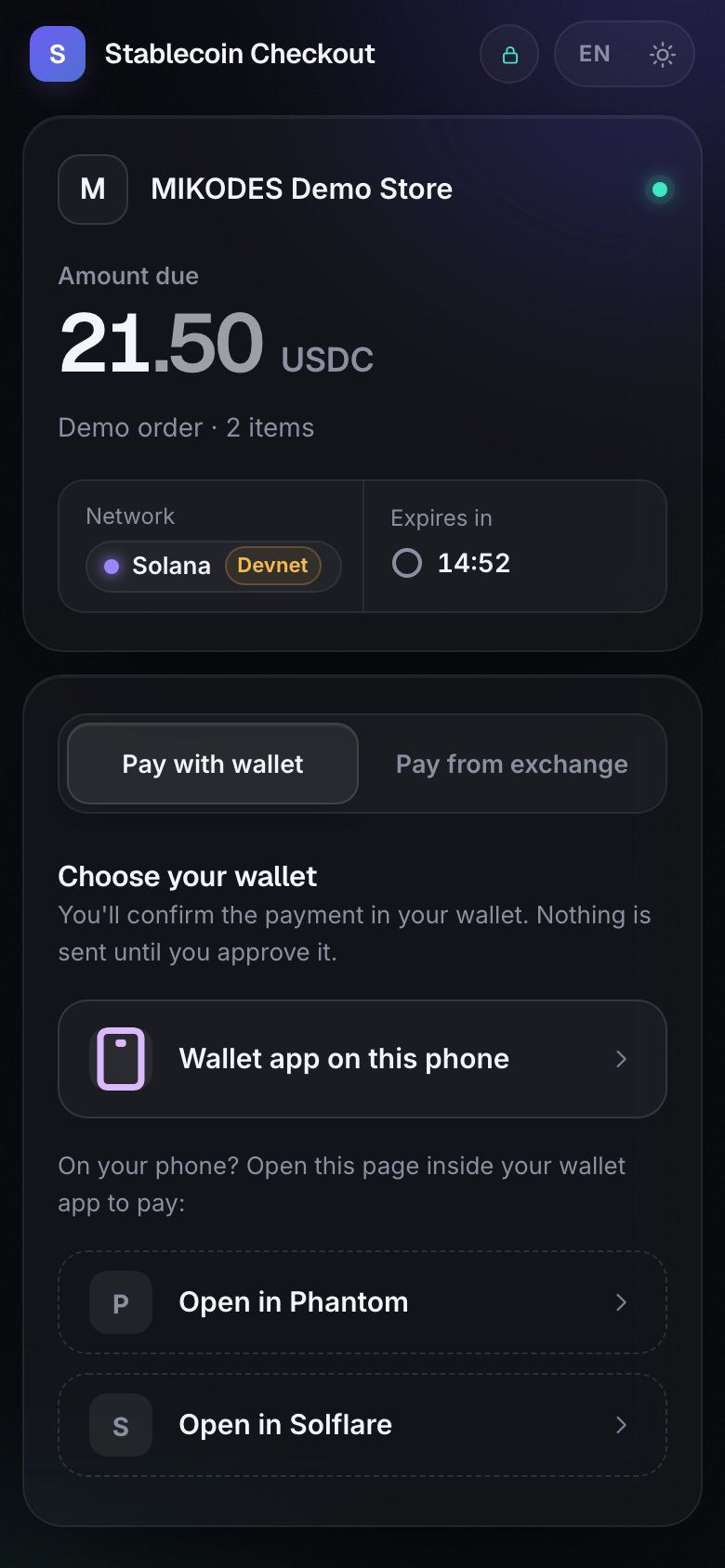
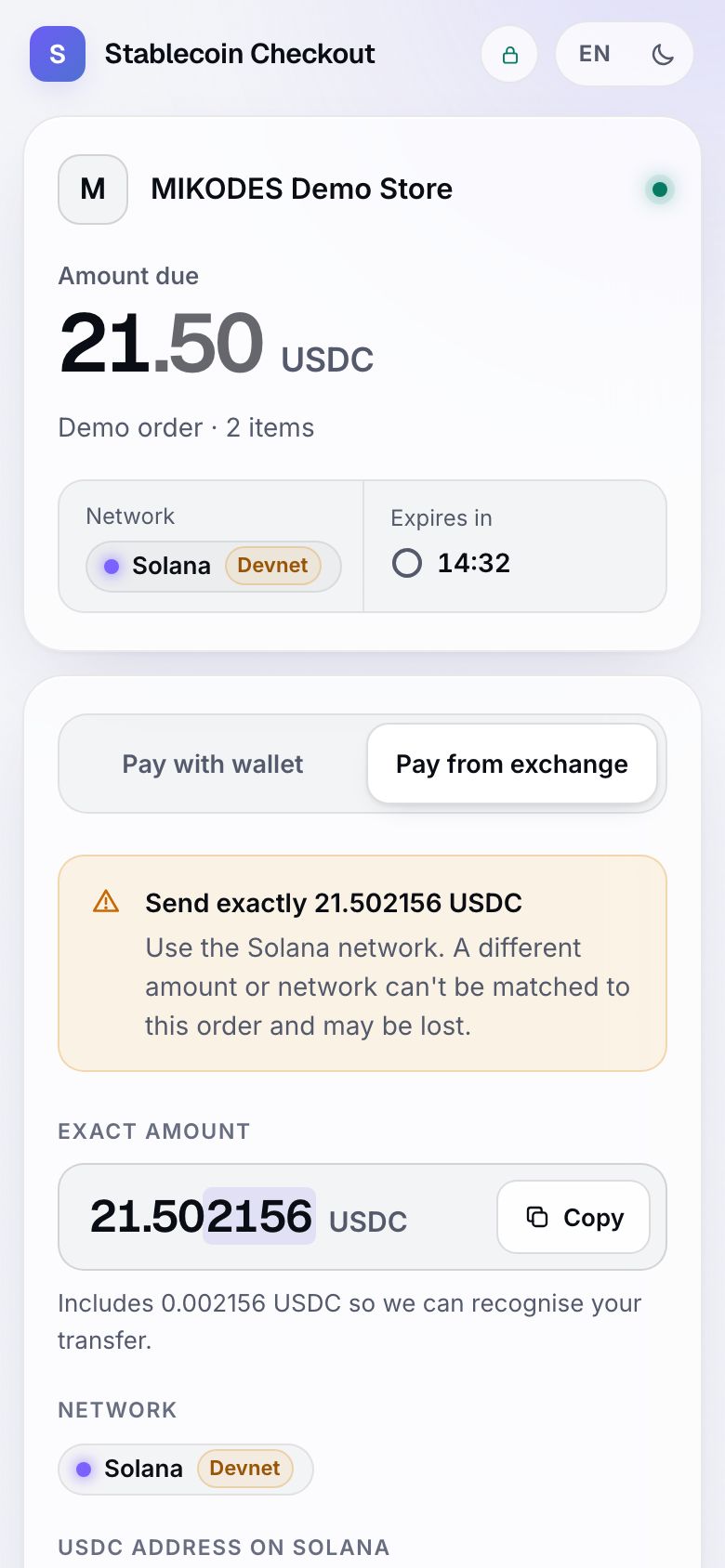
- The checkout shows a DEMO banner, the amount, a countdown, and the tabs Pay with wallet and Pay from exchange.
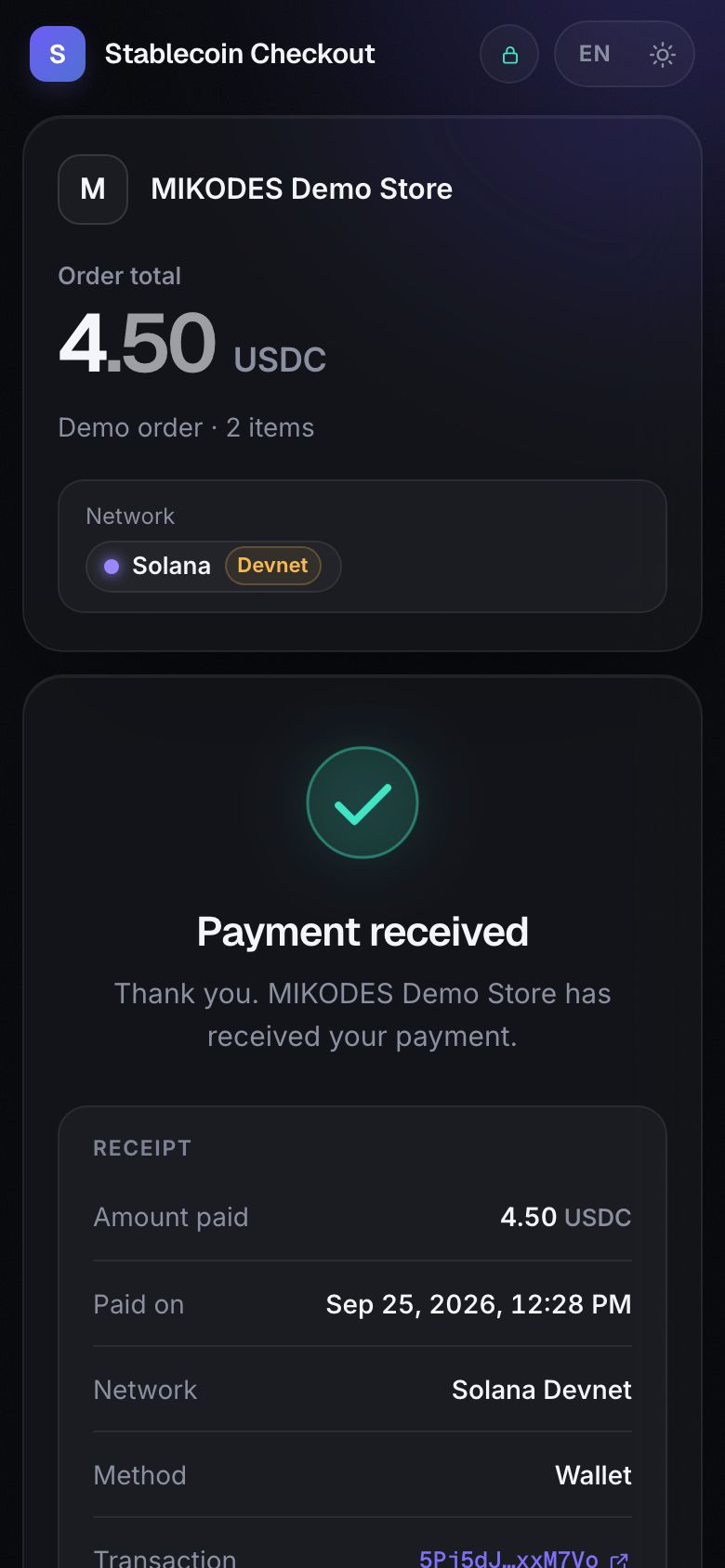
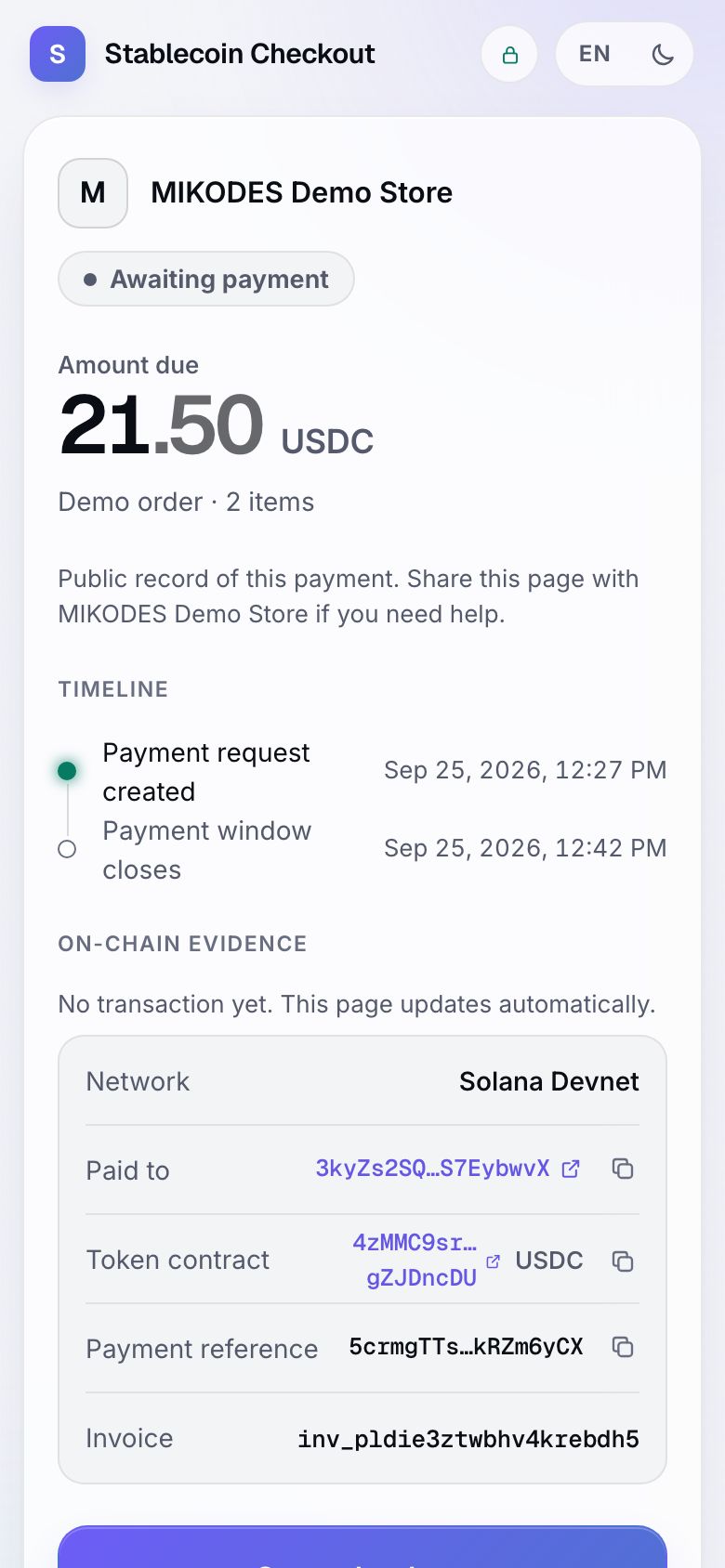
- After you approve, the status goes pending → confirming → paid, and the public status page links to the transaction in the explorer.
04Open the operator console
The server also serves the console at http://127.0.0.1:8787/admin/. On the first start the server log prints a one-time setup code: "No owner account yet. Open /admin and create it with this one-time setup code". Use it to create the owner account. Restarting the server before you use it issues a new code.
Continue with Installation for a proper setup on a server, or read Operator console to see every section.